Upsampler
Upsample your music in advance, play it from RAM
The Upsampler computes your albums to DSD or hi-res PCM at its own pace and puts them on a RAM disk. Roon or your player plays them from there, and nothing is computed while you listen.
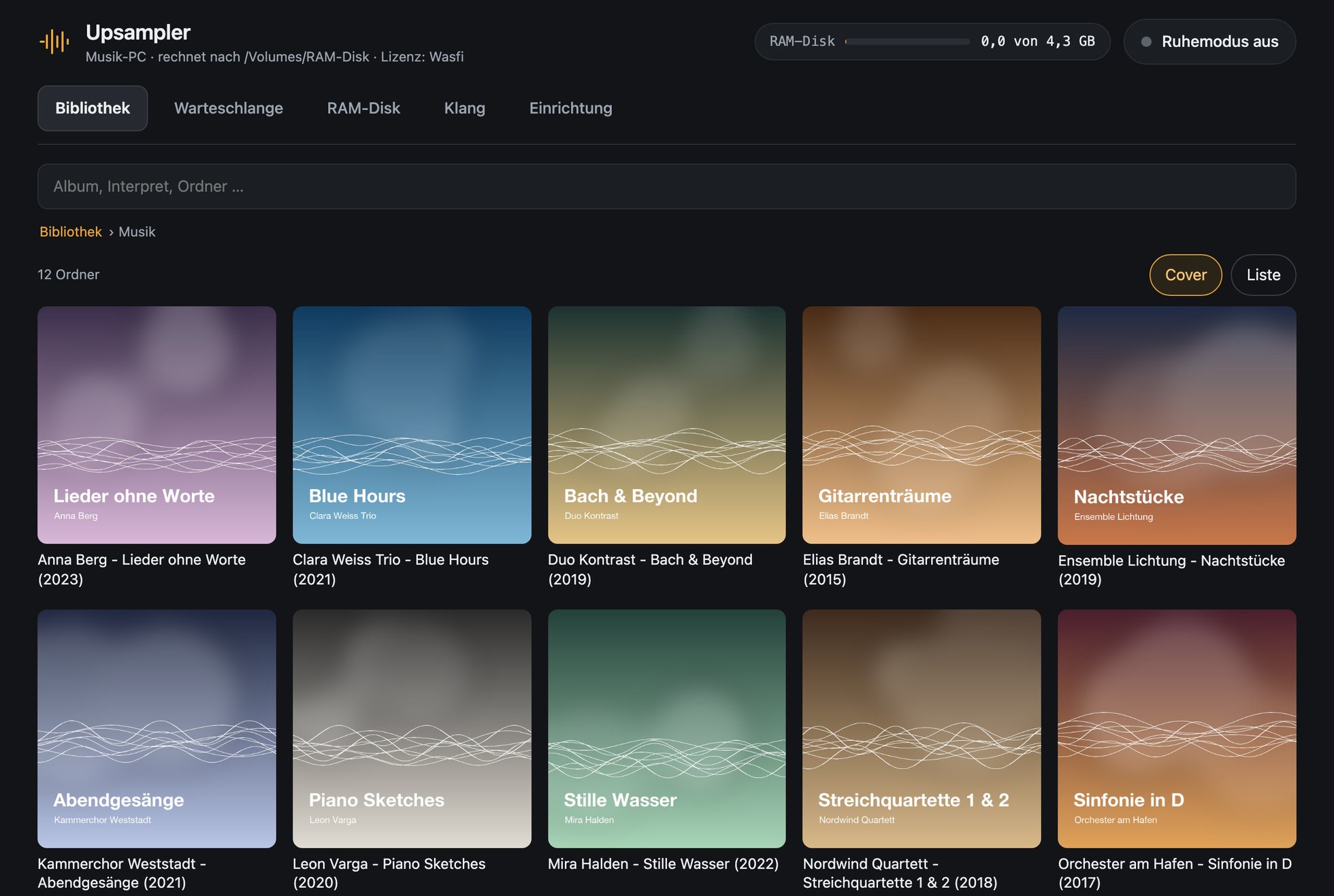
Upsampler
The Upsampler computes your albums to DSD or hi-res PCM at its own pace and puts them on a RAM disk. Roon or your player plays them from there, and nothing is computed while you listen.
The Upsampler computes each track as a whole, not in chunks during playback. You operate it in a browser, also from an iPad or iPhone.
as DSF files, for DACs with a DSD input
as FLAC or WAV, for any DAC
While you listen, the Upsampler computes and transfers nothing.
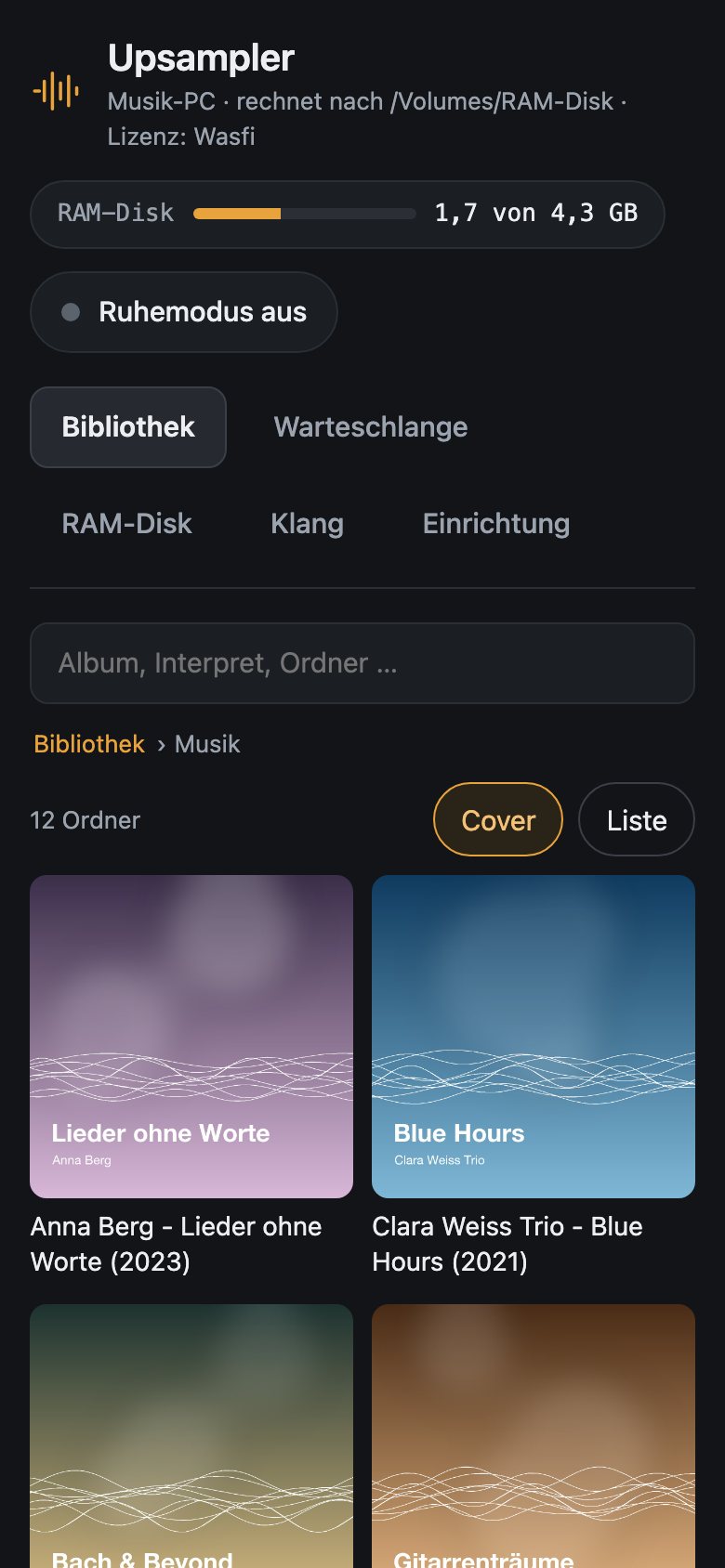
One interface in the browser: on the computer, on an iPad or on an iPhone. The screenshots show the German interface; English is one switch away under Setup.
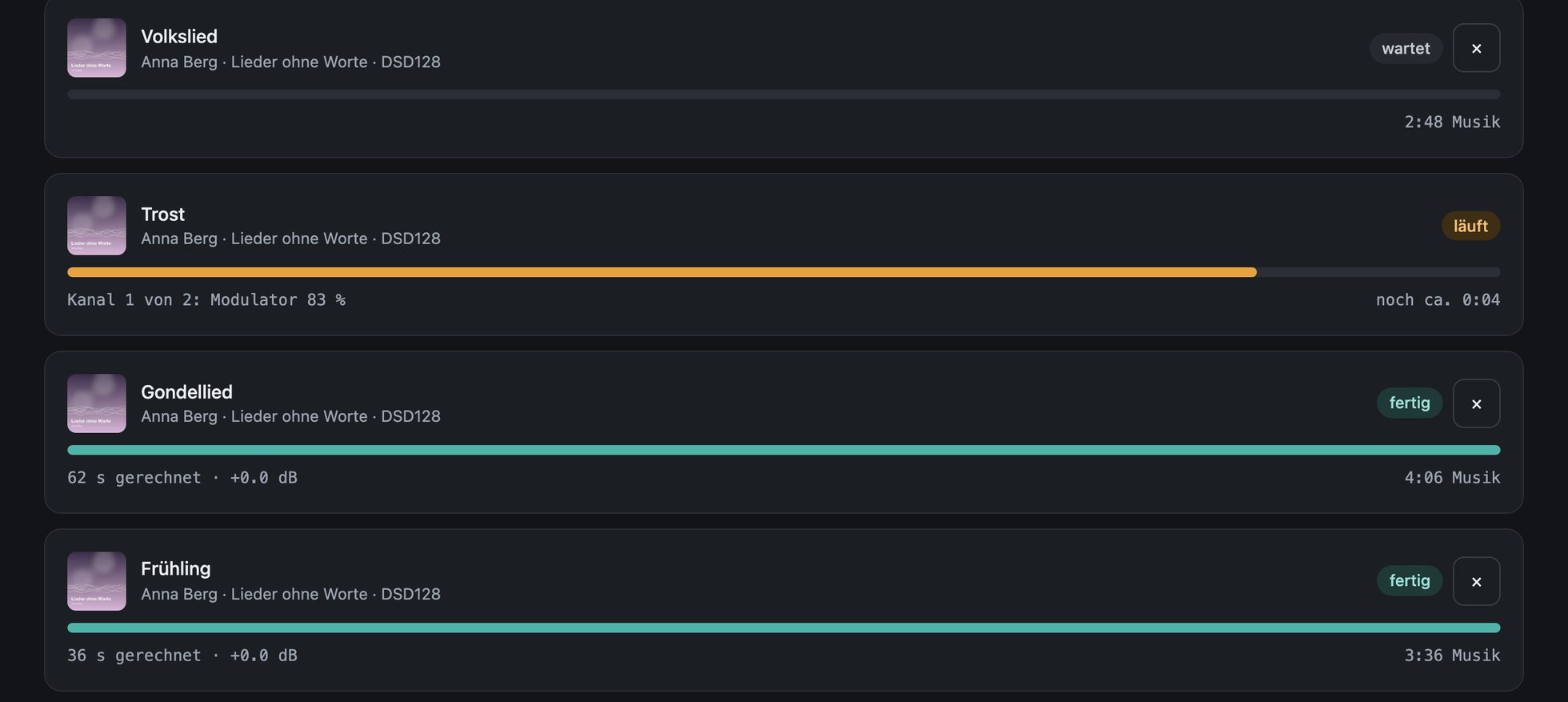
You pick an album, the Upsampler computes track by track and shows progress and remaining time. Every finished track is on the RAM disk right away.
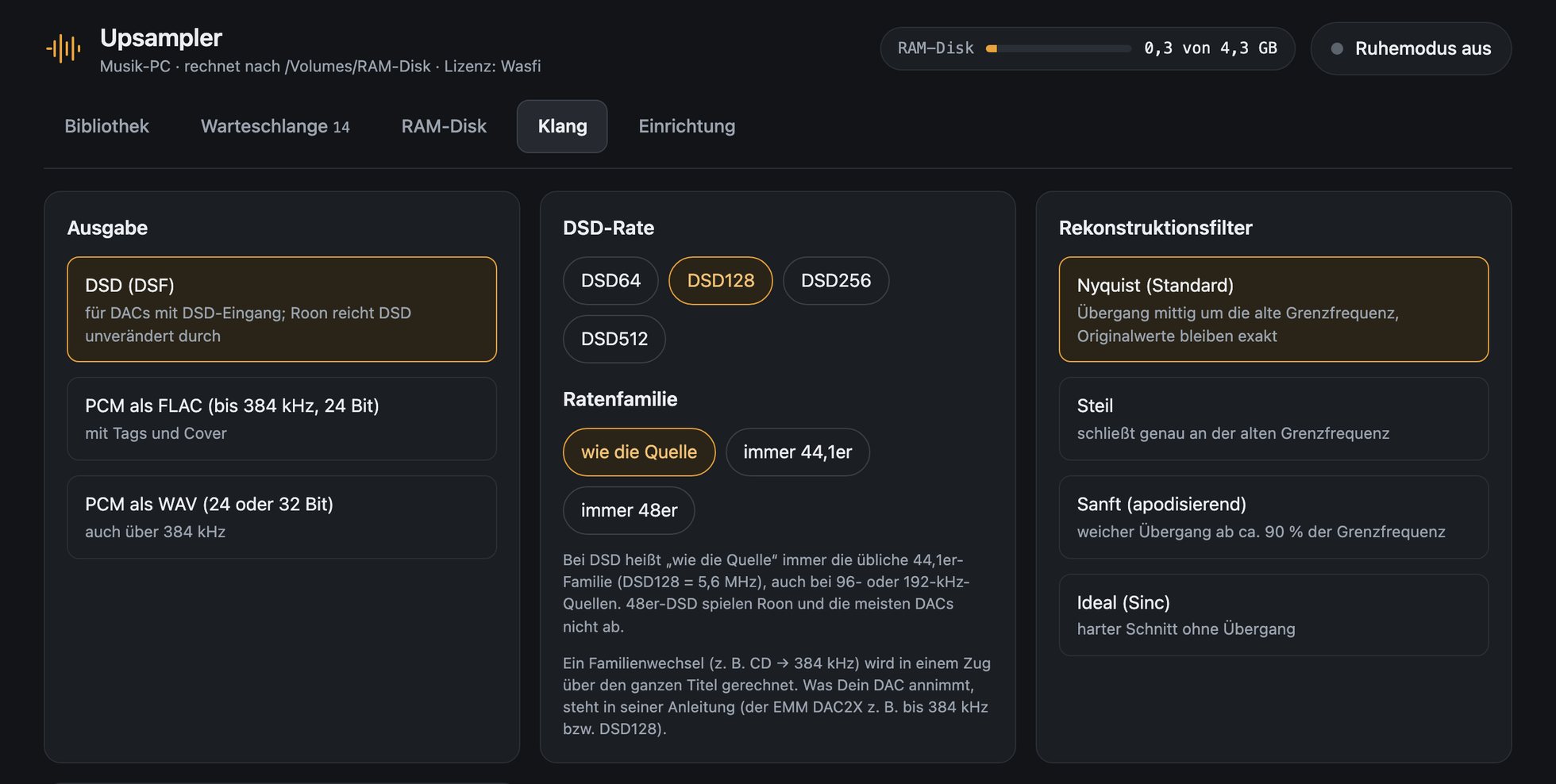
DSD64 to DSD512 or PCM up to 32fS, four reconstruction filters, level and gapless albums. Set once, it applies to all devices.
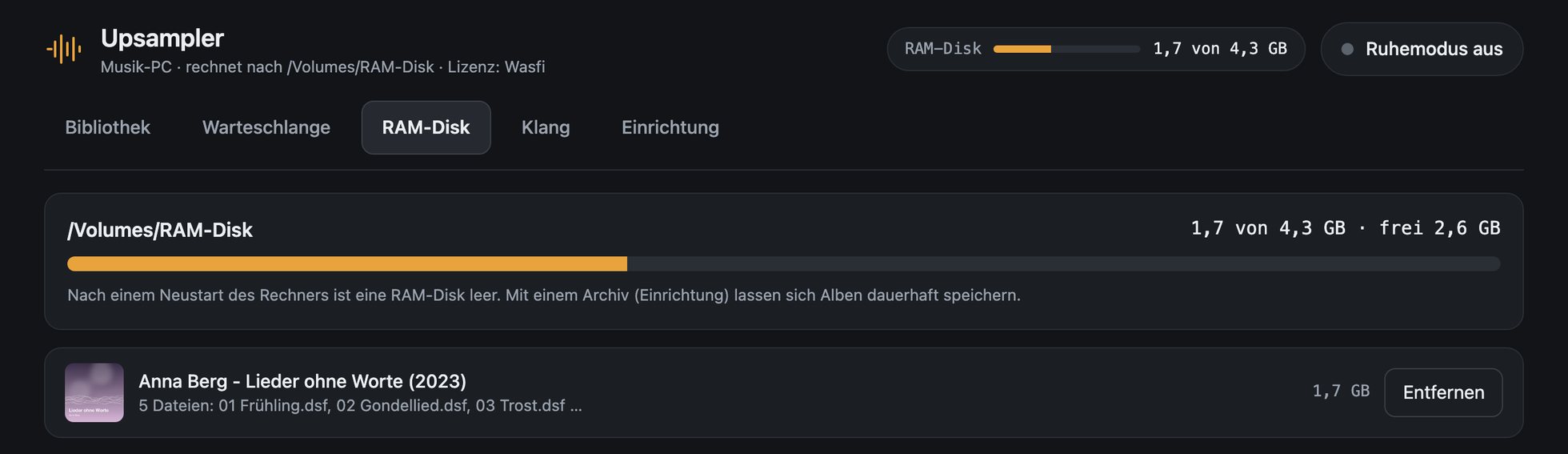
You see how full it is and which albums are on it. After a restart you bring them back from the archive in seconds.
Install the Upsampler on the computer that runs Roon Server or your player.
The Upsampler runs on a Windows PC, a Mac or a Linux computer. Open this page there and download the matching package. Afterwards you can operate it from here, too.
Your Mac seems to have an Intel chip. There is no package for it yet.
Download for MacZIP, 2.2 MB
upsample.exeZIP, 4.1 MB
tar.gz, 4 MB · ARM64 version
Two things take up memory, and they differ a lot in size. The figures are for DSD128.
for the track being computed. A 7-minute track needs about 3.5 GB. Once it is done, the Upsampler frees the memory again.
for the finished files. An album of one hour needs a good 5 GB. DSD64 half of that, DSD256 twice as much.
In total you need the RAM disk, plus the computing memory for your longest track, plus what the system itself needs. With 32 GB you are on the safe side. With 16 GB it works with a RAM disk of about 6 GB.
On which computer does your Roon Server or your player run?
http://localhost:8484/. If macOS asks about incoming connections, allow them if you want to operate from an iPad or iPhone.C:\Upsampler.http://localhost:8484/ in the browser. From an iPad or iPhone use the computer's IP, e.g. http://192.168.1.20:8484/.tar xzf Upsampler-Linux.tar.gz (PC) or tar xzf Upsampler-Linux-ARM64.tar.gz (ARM), in your home directory for example. This creates the folder Upsampler.sh Upsampler/upsampler-starten.sh. Keep the window open while you use the Upsampler. You can pass music folders and the target right away with --library and --output.http://localhost:8484/. From an iPad or iPhone use the computer's IP, such as http://192.168.1.20:8484/. A firewall must let port 8484 through on the home network./dev/shm makes a good target; the setup shows which ones exist.Download, start, go. Without a key the Upsampler runs with all functions for 14 days from the first start. The top of the interface shows how many days are left.
Questions? Write to info (at) waswie.com. English is fine.
If you like the Upsampler after the trial, you get an unlimited key for your computer. The computer ID is in the Setup tab under Licence.
incl. 19 % German VAT, one-off
How it works: with PayPal you pay at once and receive an order confirmation by e-mail; invoice and key usually follow within 24 hours. With bank transfer the button opens a finished e-mail with your details, you receive the order confirmation with the payment details, and invoice and key follow once the payment has arrived. This page stores nothing; your details go to us by e-mail and, if you pay with PayPal, to PayPal. The terms and conditions, the cancellation policy and the privacy policy are in German; the German texts are the binding ones. Ask by e-mail if you have questions about them.
Both are in German for now; they are also in the packages as PDF. An English manual will follow if there is demand.